
Business phone systems
VoIP Phone Systems for St. Charles Businesses
We have been setting up and supporting business phone systems since 2014. Hosted Yeastar and 3CX systems, Yealink and Polycom desk phones, and a local team that answers when something is not right.
Keep your numbers · Desk phones, mobile app and texting · Support from St. Charles
What you get
Everything a business phone should do
We set it up around how your office actually answers the phone, then keep it running.
Auto attendant and call routing
Press 1 for service, ring groups, business-hours and after-hours rules, and calls that land with the right person.
Mobile and desktop app
Take office calls on your cell or laptop from your business number, at home or on the road.
Voicemail to email
Voicemails show up in your inbox so nothing waits on a blinking light.
Business texting
Send and receive text messages from your business number, so customers can text the number they already have.
Call recording
Record calls when you need a record of what was said, for training or follow-up.
Keep your numbers
We port your existing phone numbers over, so customers keep calling the number they know.
Pick your setup
Two ways we can help
Hosted phone system
A complete phone system that runs in the cloud instead of a box in your closet. We set it up, program it and support it.
- Yeastar or 3CX hosted system
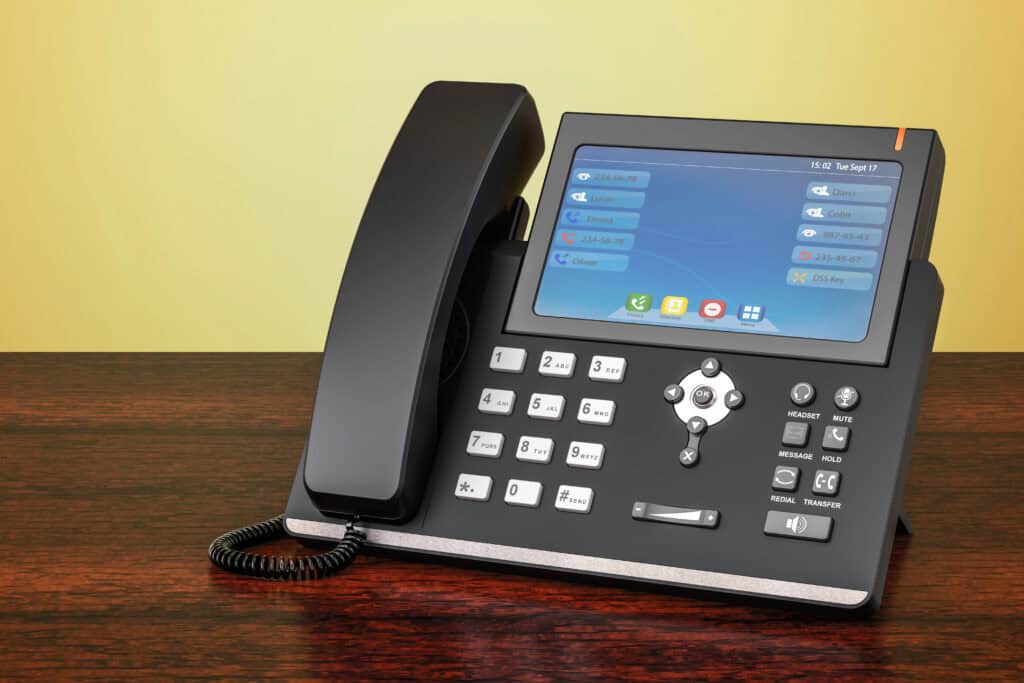
- Yealink or Polycom desk phones
- Mobile and desktop app included
- Changes made by our team, not a call center
SIP trunking
Already running Yeastar or 3CX? Keep your system and let us provide the phone lines that connect it to the outside world.
- Works with your existing Yeastar or 3CX system
- Add or remove lines as you grow
- Keep your numbers
Switching over
How switching works
Review
We look at your current phones, your bill and how your office handles calls today.
Port your numbers
We handle the paperwork to move your numbers. Your old service stays on until the move is done.
Install and program
We set up the phones, menus, ring groups and voicemail the way your office works.
Show your team
We walk your staff through the phones and app, and we are a phone call away after that.
Questions
What people ask before they switch
Something else on your mind? Call 636-442-2776 and ask.
What happens if our internet goes down?
The phone system runs in the cloud, not in your office, so an internet or power outage at your building does not take it down. Calls can ring the mobile app or forward to a cell phone until you are back online. Call quality depends on your internet connection, so we check it before you switch.
Do we need new phones?
Sometimes not. We check the phones you have, and many IP phones can be reused. When you need new ones, we install Yealink or Polycom desk phones.
Can we keep our phone numbers?
Yes. We port your existing numbers to the new system. Your old service stays on until the move is complete.
Can we text customers from our business number?
Yes. Business texting lets your team send and receive texts from the main number, so customers can text the number they already have.
How hard is it to switch?
We handle the setup, the number port and the programming, and we walk your staff through the new phones. Most of the work happens before the cutover, so your office keeps answering calls.
Tired of your phone bill or your phone system?
Send us your current bill or tell us how your office answers the phone. We will tell you what we would set up and what it would cost.