
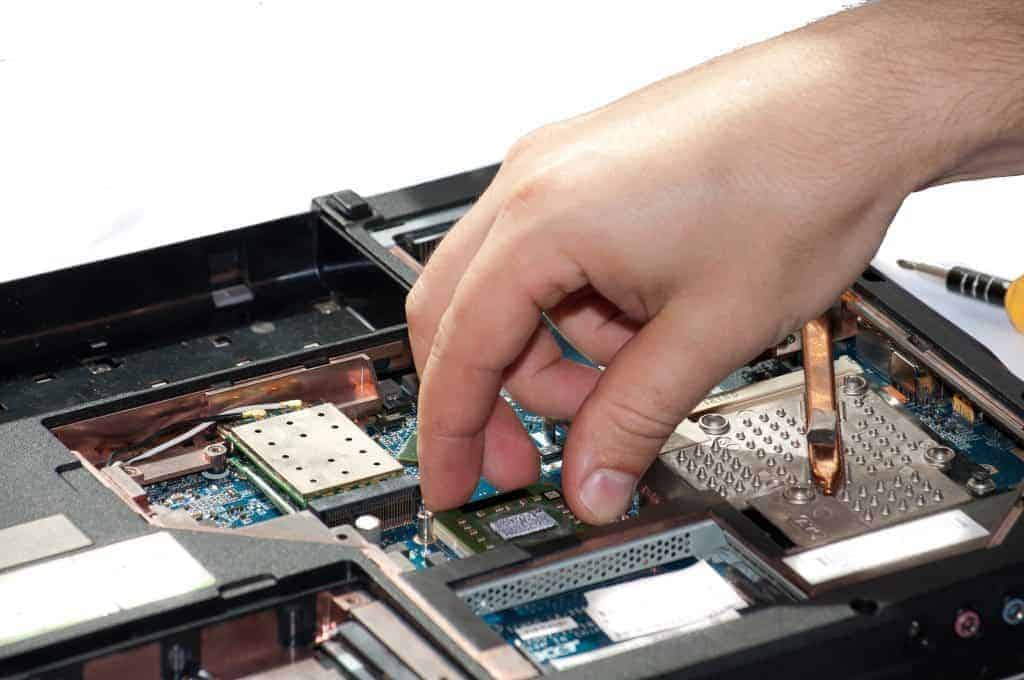
Parts, upgrades and accessories
Make the Computer You Have Faster and Last Longer
The right upgrade can make an older computer feel new for a fraction of the cost of replacing it. Tell us what you have, and we will find the right part, order it and install it.
Upgrades
The upgrades that make the biggest difference
Speed
Solid state drive (SSD)
If your computer still runs on a spinning hard drive, an SSD is usually the biggest speed boost you can buy. Faster startup, faster programs. We move your files over.
Multitasking
More memory (RAM)
Slows down with a lot of browser tabs or big spreadsheets open? More memory lets it keep up.
Power
Video card and power supply
For gaming, CAD or running more monitors. We make sure the power supply and case can handle the card before we order it.
Not every computer is worth upgrading. If replacing it makes more sense, we will tell you.
What we can get
Parts and accessories
We keep a few common items on hand. Most parts are ordered for your exact computer, so you get the one that fits.
Upgrades
- SSDs and hard drives
- Memory (RAM)
- Video cards
- Power supplies
Replacement parts
- Laptop batteries
- Chargers and power adapters
- Laptop screens
- Keyboards
Accessories
- Monitors
- Keyboards and mice
- Webcams and headsets
- Docks and cables
Networking
- Routers
- Network switches
- Wi-Fi access points
- Battery backups (UPS)
How ordering a part works
Tell us what you have
The make and model of your computer, or a photo of the sticker on the bottom or back.
We find the right part
We match the part to your computer and give you a quote before we order.
Pick it up or have us install it
Take the part home, or leave the computer with us and we install and test it.
Parts questions
Do you have parts in stock?
We keep a few common items on hand. Most parts are ordered for your computer. Call 636-442-2776 and we will tell you what we have.
Is my computer worth upgrading?
Often it is. An SSD or more memory can add years to a computer. If the computer is too old or the upgrade costs too much compared to replacing it, we will tell you.
Can you install the part for me?
Yes. Leave the computer with us and we install the part, test it and, for drive upgrades, move your files over.
How do I know which part fits?
You do not have to. Give us the make and model, or send a photo of the sticker, and we match the part to your computer.
Need a part or an upgrade?
Tell us the make and model and what you need. We will find it and let you know what it costs.